The thinking happens at home.
OttoSentry runs next to your cameras, not in a distant data centre. That's why it's fast, works when the internet doesn't, and keeps your video private.
Cameras
OttoSentry Node or hub
OttoSentry cloud
Alerts and settings only
Your phone
Up and running in minutes.
Cameras and Nodes made for OttoSentry
Scan the QR code on the label.
Your phone connects to it securely over Bluetooth.
Choose your WiFi and enter its password.
Done. It appears in your app.
Cameras you already own
Plug in your OttoSentry Node.
It finds the cameras on your network and recognises their make and model.
Enter each camera's password once, or let OttoSentry replace a factory password with a strong one.
Draw your zones and you're protected.
Seconds, not minutes.
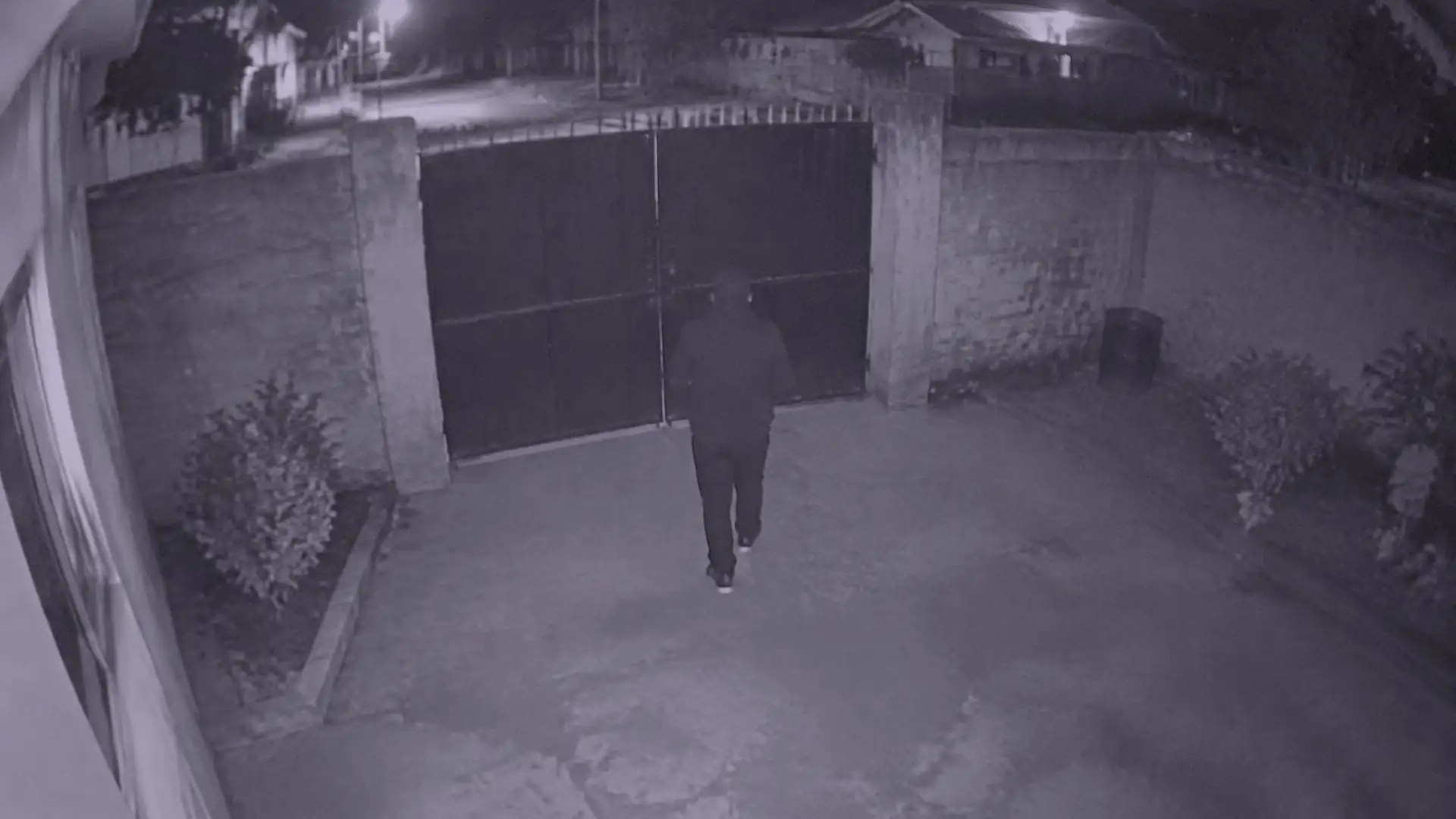
- 21:12:02
The gate camera sees movement.
- 21:12:03
OttoSentry checks: a person, inside your gate zone, for more than a second.
- 21:12:03
The clip is saved at home. You're armed, so the gate light switches on.
- 21:12:05
An alert with a snapshot reaches your phone.
- 21:12:20
You tap it to watch the clip, or open live view.
Times are an illustration of the steps, not a measured result.
Be first to try OttoSentry.
We're opening early access in stages. Join the list and we'll email you when it's your turn.